Essential Usability Testing Moderation Guide Template for Effective Results

Updated: Jan 6
Usability testing is a critical step in creating products that users find intuitive and enjoyable. Yet, without proper moderation, even the best tests can yield unclear or misleading results. A well-structured moderation guide helps testers stay focused, maintain consistency, and gather meaningful insights. This post presents a clear usability testing moderation guide template designed to improve your testing sessions and deliver actionable feedback.

Preparing for the Usability Test
Before the session begins, preparation is key. This phase sets the tone and ensures the test runs smoothly.
Define the test goals
Identify what you want to learn. Are you testing navigation, content clarity, or a new feature? Clear goals help focus the session and questions.
Select participants carefully
Choose users who represent your target audience. Their feedback will be more relevant and reliable.
Prepare the test environment
Ensure all equipment works properly: computers, recording devices, and software. A quiet, distraction-free space helps participants concentrate.
Create a test script
Develop a script that includes a welcome message, instructions, tasks, and follow-up questions. This keeps the session consistent across participants.
Conducting the Test Session
Moderation during the test requires balance: guiding participants without influencing their behavior.
Start with a warm welcome
Introduce yourself and explain the purpose of the test. Emphasize that you are testing the product, not the participant.
Explain the process clearly
Describe what will happen, how long the session will last, and that participants can ask questions anytime.
Encourage thinking aloud
Ask participants to verbalize their thoughts as they complete tasks. This reveals their reasoning and frustrations.
Observe without interrupting
Watch carefully but avoid leading questions or hints. Let users explore naturally to uncover genuine usability issues.
Take detailed notes
Record observations, quotes, and any unexpected behaviors. These details are valuable during analysis.
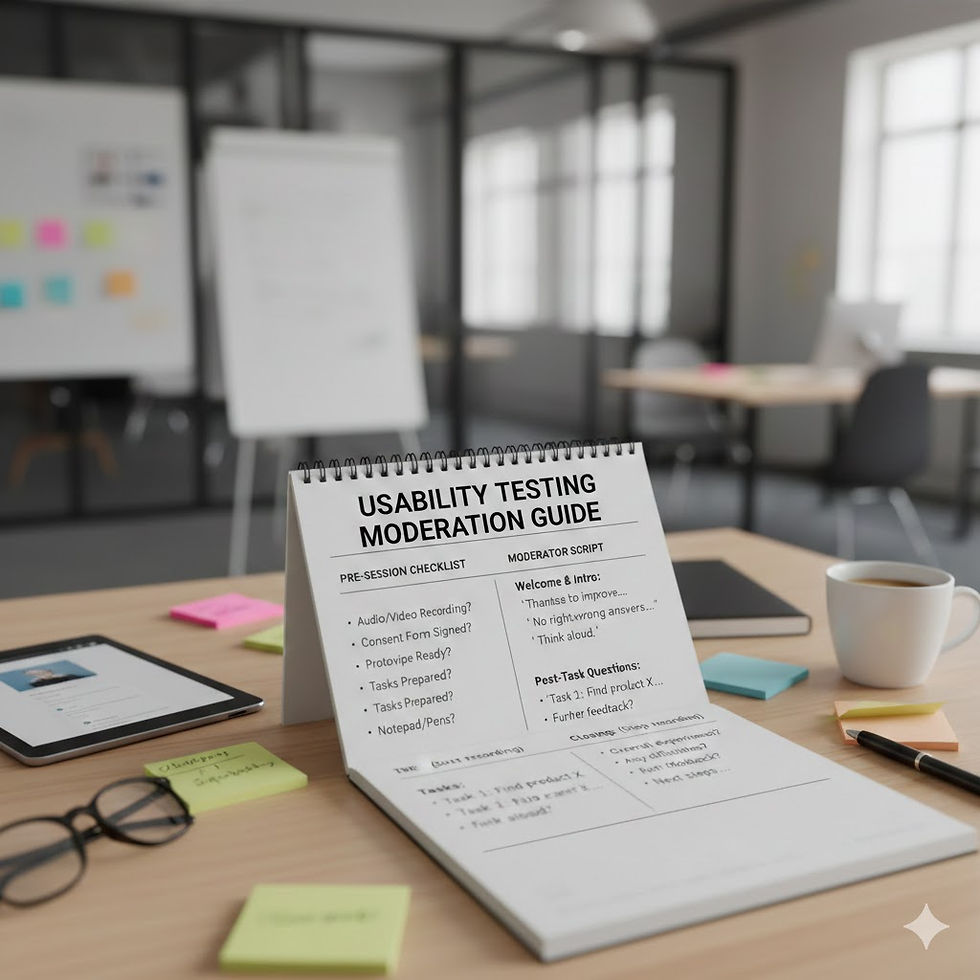
Sample Usability Testing Moderation Guide Template
Use this template as a starting point for your sessions. Customize it to fit your product and goals.
Welcome and Introduction
Greet participant warmly
Explain the test purpose: “We want to see how easy it is to use this product.”
Assure confidentiality and that there are no right or wrong answers
Obtain consent for recording if applicable
Instructions
Ask participant to think aloud while completing tasks
Explain that you will not help unless they are completely stuck
Encourage honesty and remind them that feedback helps improve the product
Tasks
Task 1: [Describe task clearly, e.g., “Find and add a product to the shopping cart.”]
Task 2: [Describe next task, e.g., “Locate the customer support page.”]
Task 3: [Additional task relevant to test goals]
Follow-up Questions
What was your overall impression of this task?
Was anything confusing or frustrating?
How would you improve this part of the product?
Closing
Thank participant for their time
Ask if they have any final comments or questions
Explain next steps and how their feedback will be used
Tips for Effective Moderation
Moderators play a crucial role in the success of usability testing. Here are some practical tips:
Stay neutral
Avoid showing approval or disapproval. Neutral reactions prevent biasing participant responses.
Be patient
Give participants time to think and respond. Silence can encourage deeper reflection.
Adapt when necessary
If a participant misunderstands a task, gently clarify without giving away answers.
Manage time wisely
Keep the session on track but remain flexible to explore unexpected insights.
Build rapport
A comfortable participant is more likely to share honest feedback.
Analyzing and Using Test Results
After the session, the moderator’s notes and recordings become the foundation for analysis.
Review notes promptly
Fresh impressions help capture subtle details.
Identify patterns
Look for recurring issues or behaviors across participants.
Prioritize problems
Focus on issues that impact usability most significantly.
Share findings clearly
Use summaries, quotes, and visuals to communicate results to your team.
Plan improvements
Turn insights into actionable changes for the product.



Comments